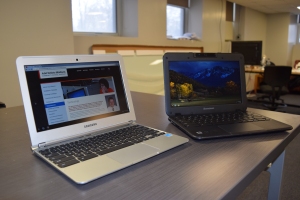
 Chromebooks have become ubiquitous in the education sector, but I’m often met with confusion when I mention a Chromebook to somebody outside of the school setting. Here at ADM, we’ve deployed almost 300 Chromebooks over the past few years, with most of those deployments in the form of mobile carts in grades 3-12. Here’s a quick Chromebook overview:
What is a Chromebook?
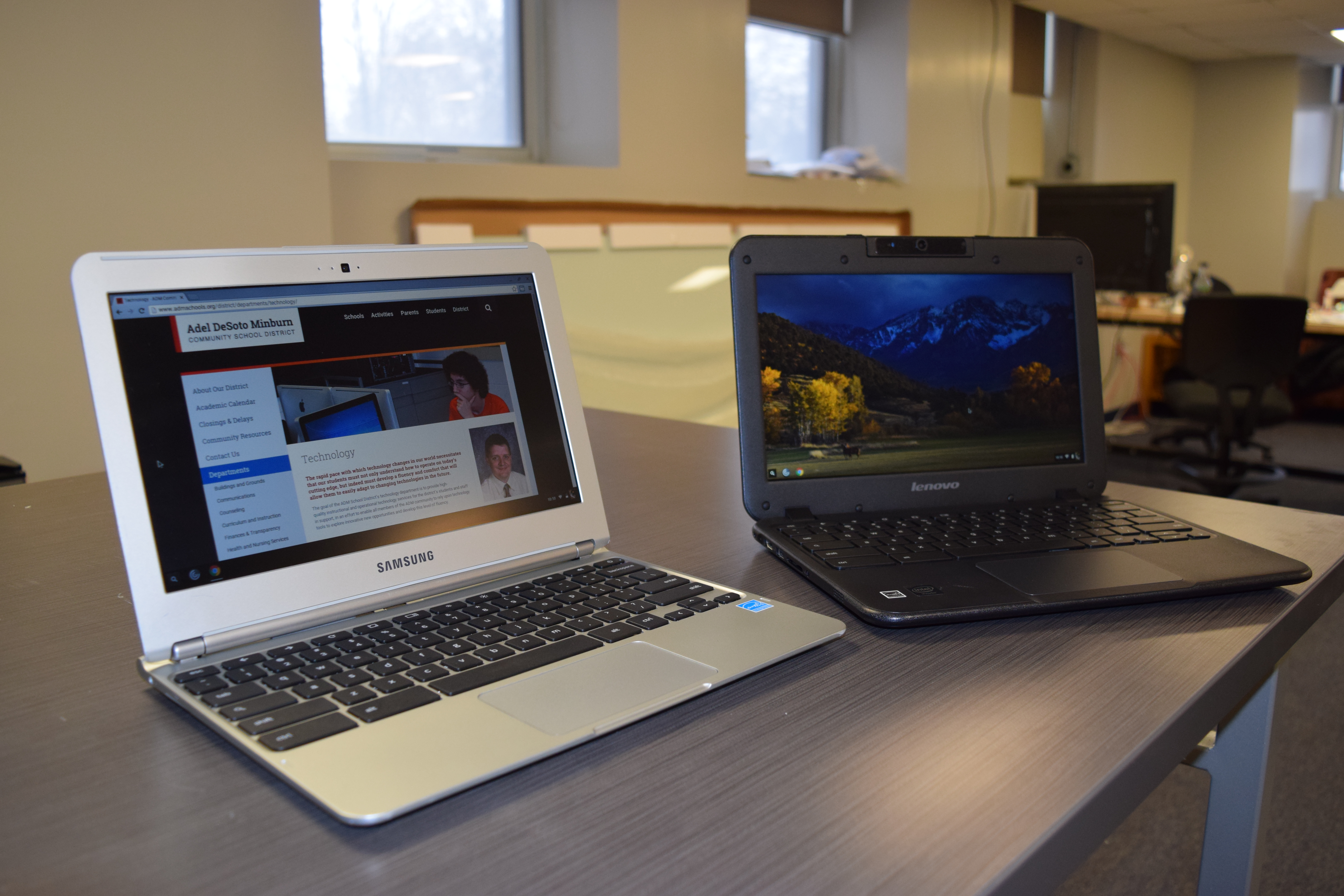
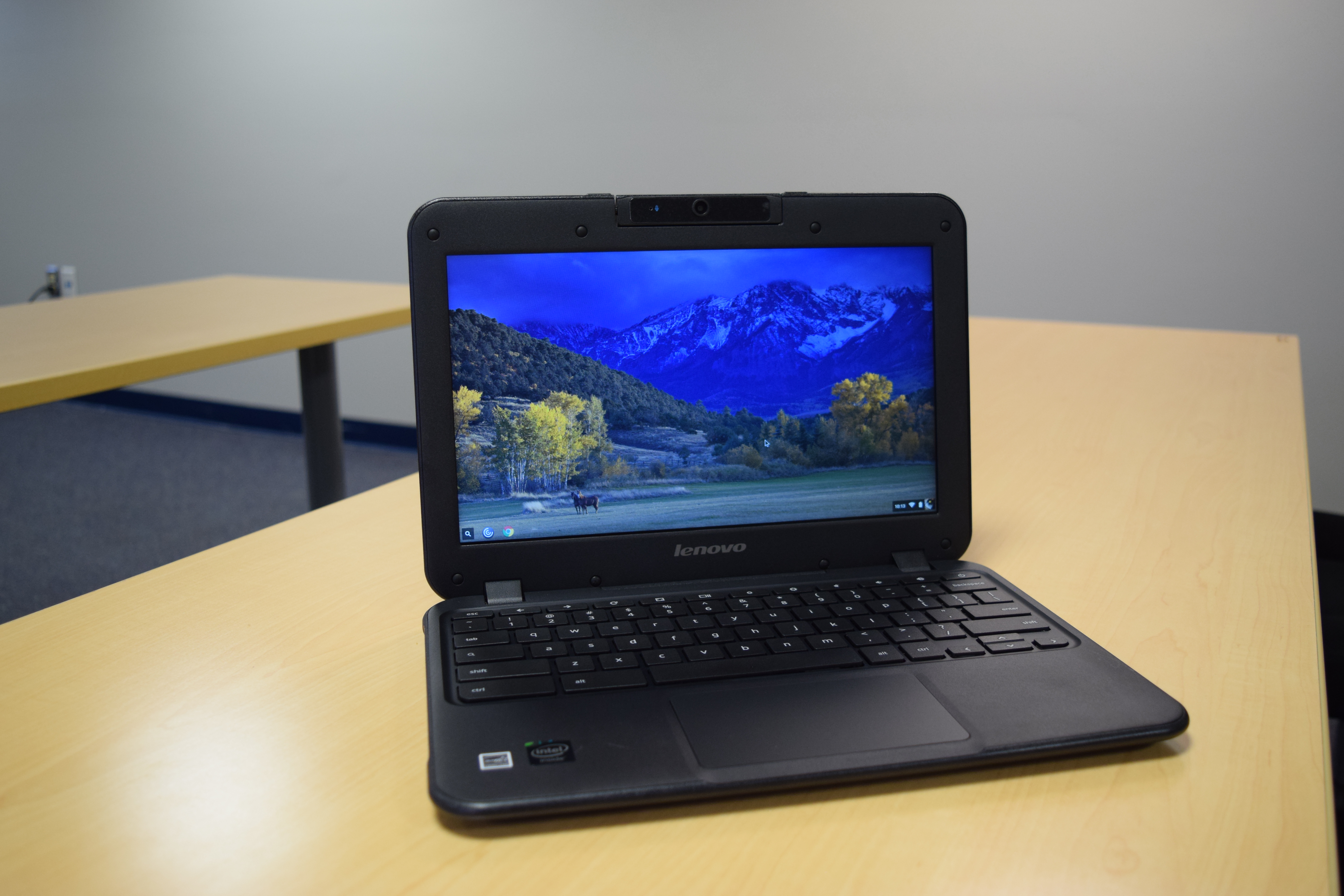
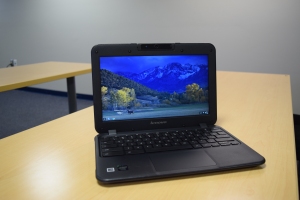 Simply put, a Chromebook is a laptop. The form factor (in picture at right) is that of a traditional laptop, with a keyboard, screen, USB ports, and so forth. Unlike other laptops that run Windows or OS X as operating systems, Chromebooks run Google’s Chrome OS.
What is Chrome OS?
Chrome OS is a cloud-based operating system that integrates with Google’s online services (Gmail, Google Drive, Google Calendar, etc.). Users can sign on to a Chromebook using any Google account, which includes all of our @adm.k12.ia.us and @students.adm.k12.ia.us accounts for staff and students. Since storage and settings are in the cloud, anything that a user does on one Chromebook is available when they log in to a different Chromebook.
How is Chrome OS different?
Unlike a Windows or Mac computer, where the traditional paradigm is to have software installed directly on the device itself (think Microsoft Word, GarageBand, or Photoshop), Chromebooks are geared towards web-based applications and content. Just about anything that you can do online can be done on a Chromebook. Recent research shows that over 90% of current high school students’ computer use takes place within a web browser, which makes Chromebooks a potentially perfect fit for modern computer usage patterns.
So a Chromebook can’t run regular software?
Yes and no. You cannot install Windows or Mac versions of software directly on a Chromebook, but you can run online versions of the software. Office 365, Google Drive, YouTube, Photoshop Online, and WeVideo, for instance, offer online equivalents to traditional desktop software. Chrome OS does support a number of apps, such as Evernote, Gmail offline, calculator, Any.do, and PDF Viewer that are installed to the device and will work whether the Chromebook is connected to the internet or not.
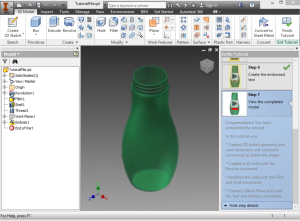
AutoDesk Inventor on a Chromebook
Beyond those options, ADM is also piloting Citrix XenApp, which allows full Windows versions of software – including resource-intensive software such as Autodesk Innovator (pictured at right, from a Chromebook) – to be made available to Chromebooks. The software itself is delivered virtually to the Chromebook while running on a server. This provides the benefit of running full version, specialty software on Chromebooks, while also delivering substantially better performance for resource-intensive applications than could be achieved on most regular laptops. The latter benefit is the result of running the application on a server that is far more powerful than any affordable laptop.
Does a Chromebook need to have an internet connection to work?
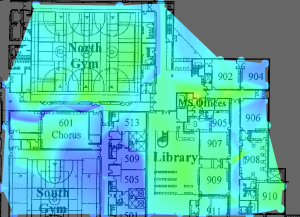 No, although an internet connection is important for maximizing the benefit of the Chromebook. You can still create and edit files, view pictures, take notes, and other functions without an internet connection, but you wouldn’t have access to virtualized applications, your full Google Drive directory, or to other internet resources.
Here at ADM, all buildings in the districts have wireless coverage throughout. Efforts are underway to extend coverage to outdoor areas within the district.
What does a Chromebook cost?
As a general rule, schools don’t have the financial resources to pay for extravagant technology offerings. The price of Chromebooks – about $200 – $300 per device – is one of the primary factors driving their adoption in schools. By comparison, an iPad typically costs around $400, and a Windows or Mac laptop/desktop around $1,000.
Are Chromebooks easy to support?
Sometimes, the initial cost of a product can be misleading, due to substantial costs related to supporting the product in an enterprise environment. Chromebooks, however, offer savings on both fronts. Schools can purchase management licenses for about $25 per device, which allow the district to manage printers, access rules, and other device and user settings. Since the devices use our Google email accounts for logins – and these accounts are linked to our on-campus Active Directory servers – technology staff do not need to manage accounts for specific users. Further, the fact that the devices do not require software to be installed means that we can configure a new Chromebook for deployment in the amount of time it takes to join the device to the district’s wireless network, or about 3 minutes. If a device has a problem – a corrupted operating system, for instance – we can restore the device to its original configuration in under 15 minutes.
Are the devices durable?
We’ve had mixed experiences with regard to durability. In general, we’ve found that the Chromebooks are no more or less durable than our other laptops. That said, our Samsung Chromebooks (XE303C12) have had a number of problems with fragile displays and outer cases, although these have generally been caused by drops and abuse rather than simply hardware failure. Our Lenovo Chromebooks (N21) have shown to be very durable, and with about 130 of them deployed for a year, we’ve seen almost no reliability problems.
Is a Chromebook a good choice for home, or for a college student?
I get questions about computers for home and for students headed off to college all the time. In short, a Chromebook is going to be somewhat limited for home and student use, especially if there is any need for specialty software (engineering, music composition, GIS, advanced video/photo editing, etc.) That said, the majority of users just need a computer in order to browse the internet, check email, and compose an occasional document, spreadsheet, or presentation. If you have wireless internet at home/school and you’re comfortable working with Google Drive, Google Docs, and Gmail, a Chromebook can be a perfect computer for home use. Not only is it tremendously cost-effective, but it is also easier to use and to maintain than Windows or OS X computers.
If I were to buy a Chromebook, where can I get one?
Almost all computer resellers – with the exception of the Apple and Microsoft stores – now sell Chromebooks. You can often find good deals on Chromebooks at Best Buy and office stores, or online through Amazon.com or Newegg.com. When you choose a Chromebook, you’ll have some of the same choices that you have when purchasing any laptop: screen size, storage capacity, RAM, processor, and wireless. Technical specifications are not as important for Chromebooks as for other computers, but I generally recommend:
- at least an 11.5″ display, at least 1366×768 resolution
- storage capacity isn’t generally important; most Chromebooks have SD card slots for photos from a camera
- I recommend 4GB of RAM, but 2GB is sufficient. 4GB will result in a smoother experience for most users
- Processor is generally unimportant; you’ll get better performance from a Chromebook with an Intel Core i3/i5 than you will from some other options (Celeron, Atom, Rockchip, Tegra, Exynos, etc.)
- Support for wireless 802.11ac has the potential to improve streaming and web application performance
Will the district be expanding its Chromebook deployment?
The district is currently in the process of exploring options for our Next Generation Technology deployment, the second half of our current PPEL implementation. While this will likely include Chromebooks at some levels, the details of that committee recommendation are not yet decided upon.





 ADM Technology Blog